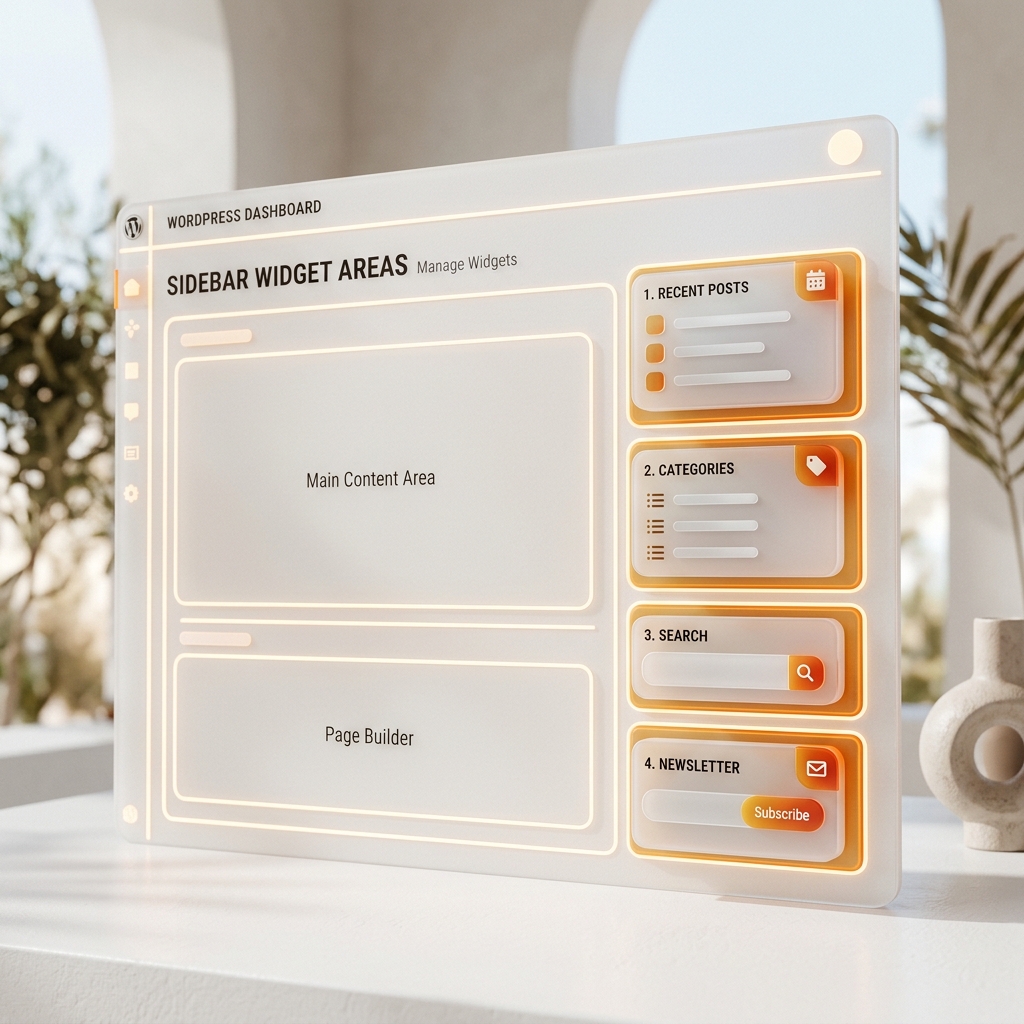
Register Sidebar Widget Areas in WordPress (Guide + Code)
Registration, output, markup wrappers, and widget area best practices.

Deep dives into WordPress development, server hardening, performance optimization, and the tools that make it faster. Written by developers, for developers.
Registration, output, markup wrappers, and widget area best practices.
Registration, saving, sanitization, and editor UX best practices.
Hooks, screen targeting, dismissal storage, and security best practices.
Hooks, permissions, UX, and performance patterns for admin widgets.
Role strategy, capability mapping, and safe deployment patterns.
Labels, hierarchy, UI settings, and rewrite rules with a clean example.
Remove oEmbed discovery and wp-embed.js to cut requests and remote fetches.
Remove emoji scripts/styles to cut requests and speed up the front end.
Learn how to move beyond standard posts and pages to build complex, scalable applications.
Learn how to manage plugins, themes, and database operations from the terminal.
Learn how to optimize performance and harden security using wp-config.php.
A practical checklist to lock down common WordPress attack paths.
Parse logs to spot 4xx/5xx spikes and fix issues faster.
Avoid crawl waste and SEO mistakes with a clean robots.txt.
Stop abusive bots at the server layer without blocking real users.
Reduce automated SQL injection risk by changing the default prefix.
Cache the right layers without breaking dynamic pages or checkout flows.
Find orphaned files, clean old sizes, and shrink storage safely.
Stop delayed scheduled tasks by replacing WP-Cron with a real server cron.
Stop brute-force attacks by restricting wp-login.php and wp-admin to trusted IPs.
Exact header values, safe defaults, and CSP rollout tips for hardened WordPress sites.
A practical guide to 400, 401, 403, 404, 410, and 429 errors with fast WordPress and server fixes.
Learn how to implement 301 redirects using .htaccess and PHP to protect your SEO rankings.
Boost your site speed by serving modern WebP images and managing custom sizes correctly.
Master the WordPress roles system to build secure and scalable applications with ease.
Are you confused about when to draft a Page versus a Post? Learn the exact technical and SEO differences.
Navigate the WordPress admin dashboard like a pro. Learn exactly where to find posts, settings, and plugins.
Stop pushing broken experiments to your live site. Learn how to install WordPress locally on your computer.
Learn the critical differences between self-hosted WordPress.org and hosted WordPress.com.
A practical overview of WordPress today: how it works, the block editor, themes, plugins, performance layers, security basics, and where it fits in modern stacks.
What salts are, why they matter, and how to rotate them quickly without breaking logins.
A clean .htaccess baseline for WordPress: security rules, cache headers, and safe redirects.
Master CSS gradients from basics to advanced multi-stop, radial, and conic techniques for modern UI design.
Master register_post_type with labels, capabilities, REST API support, and custom taxonomies.
Implement Schema.org structured data using JSON-LD to trigger rich snippets and FAQ dropdowns in Google.
Configure robots.txt for optimal crawling. Covers crawl budget, disallow vs noindex, and sitemap integration.
Master JSON formatting, validation, CSV conversion, Base64 encoding, and JWT debugging.
Speed up WordPress by cleaning post revisions, expired transients, spam comments, and orphaned metadata.
Compare Nginx and Apache for WordPress. Server blocks, PHP-FPM, caching, and choosing the right stack.
XML-RPC enables brute force amplification and DDoS pingback abuse. Learn how to disable it safely.
Master the WP_Query loop to fetch exactly the data you need.
How to safely sanitize and permit SVG files in the media library.
Adding, regenerating, and optimizing custom image sizes.
Every guide on this blog links to a FyrePress tool that generates the exact configuration code being discussed — no copying from Stack Overflow required.
Browse all 70+ tools